WHEN A DESK DAY FOLLOWS YOU HOME

Sit all day?
Your body might need
a gentle reminder.

Long stretches of focused screen work can leave mind and body feeling spent. Small Pause finds a better moment for a brief look-away or movement break — making a little room for recovery without breaking your flow.

Download for Mac macOS 13+ · Apple Silicon & Intel
Waiting for a natural pause · Small Pause readySmall Pause menu bar icon
Small PauseRelease your neckNow
Small Pause

Release your neck

Move gently and stay within a comfortable range · about 45 seconds

5
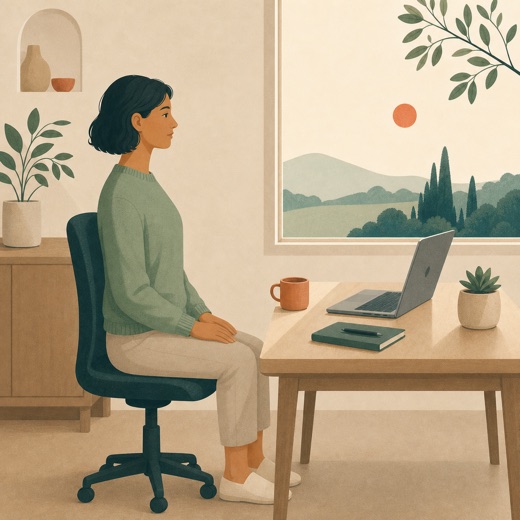
A seated worker sitting tall with both feet supported and shoulders relaxed
Sit tall and drop your shoulders

Start when you are ready. The timer will not run before you do.

Stage 1 of 60:45

Stop for pain, dizziness, tingling, numbness, or weakness.

TIMED TO ACTIVE WORKLOCAL SMART TIMINGNO CONTENT READINGYOU START THE TIMER
WHY PAUSES MATTER

Sitting still
isn’t the same as recovering.

A long desk day can feel mentally and physically draining. The evidence does not say one reminder cancels out sitting — but it does support sitting less, moving more, and making room for brief recovery during demanding work.

SEDENTARY TIME

More sitting is linked with higher health risk.

A harmonised meta-analysis of more than one million adults found that this association depends strongly on overall physical activity. It is a population-level association, not proof that every seated hour directly causes harm.

Lancet meta-analysis

MICRO-BREAKS

Short breaks can ease some fatigue.

A 2022 meta-analysis of 22 independent study samples found small improvements in fatigue and vigor. The overall effect on performance was not statistically significant.

PLOS ONE review
WHAT TO DO

Replace some sitting with movement.

WHO recommends limiting sedentary time and says all physical activity counts. Small Pause helps you remember a brief look-away or movement; it does not replace regular physical activity.

WHO guideline

These are population associations and short-term studies, not a guarantee of an individual health outcome. Small Pause is a wellbeing reminder, not a medical device or treatment.

THE SMALL PAUSE APPROACH

Make recovery
part of the workday.

The hard part is not knowing you should pause. It is finding a moment you will not dismiss. Small Pause counts active work locally, then Pro can wait for a more natural boundary before showing a reviewed action.

SCROLL TO UNWIND
01

Accumulate active work

Free keeps its once-daily 30-minute active-use cue; Pro lets you choose the minimum.

02

Wait for a boundary

Smart Timing checks only coarse local signals and waits for a likely pause.

03

Choose what to do

A compact card offers a reviewed action. Start it, choose Later, or pause reminders.

SIX SMALL ACTIONS

One cue.
The right kind of pause.

Every cue comes from the reviewed action library. AI signals can help choose timing; AI never generates health instructions.

A screen worker looking away from a laptop and out of a window

Look far

Look about 6 metres away for 20 seconds and let near-focus work pause.

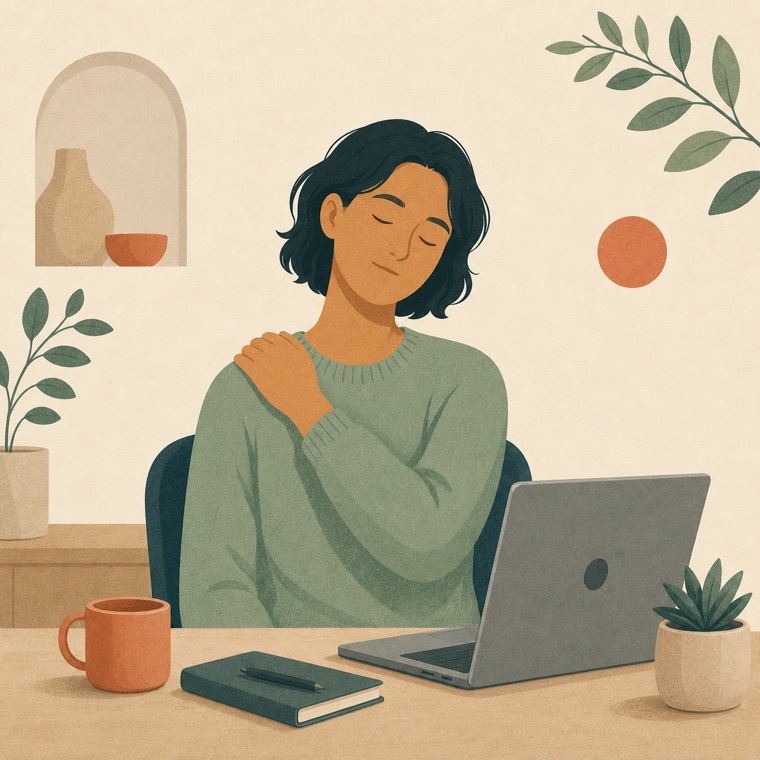
A seated worker gently lowering one shoulder during a neck stretch

Release neck

Lower one shoulder and make a small, comfortable side tilt without pulling the head.

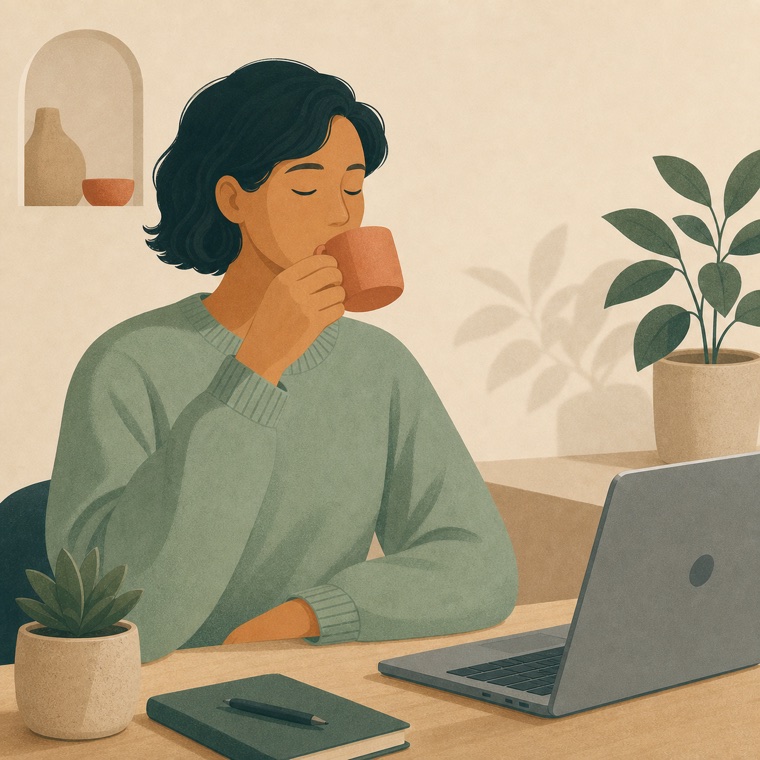
A screen worker pausing to take a calm sip from a cup

Drink water

No timer or fixed volume — just a quiet cue to take a few comfortable sips.

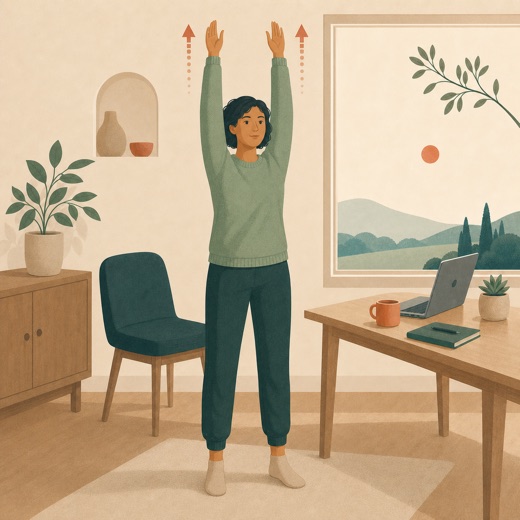
A standing office worker reaching both arms comfortably overhead

Full-body stretch

Reach upward, lengthen from the desk, stretch both sides, then release each calf.

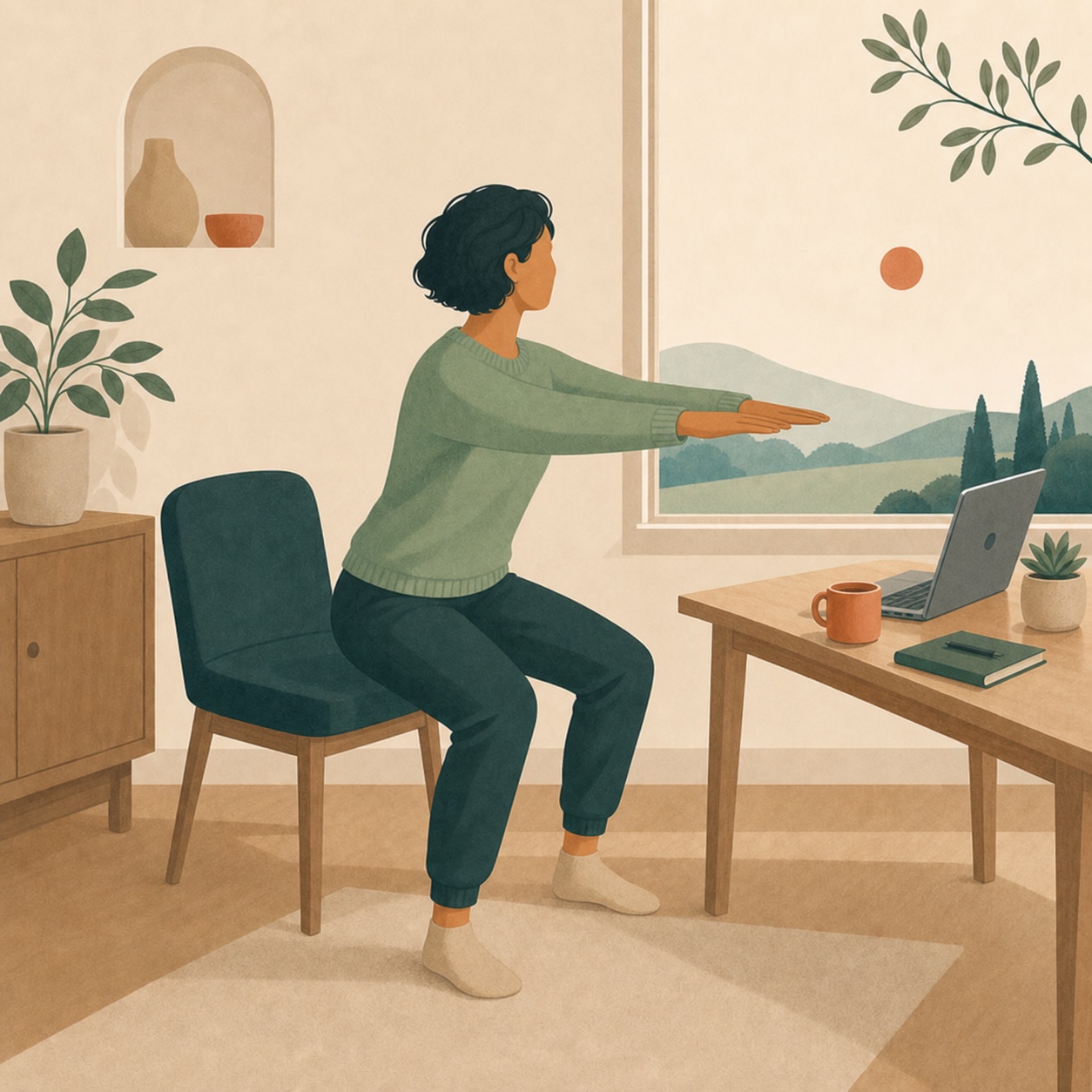
A person performing a supported chair squat with a stable chair behind them

Chair squats

Twelve comfortable supported squats offer a brief lower-body movement to break up sitting.

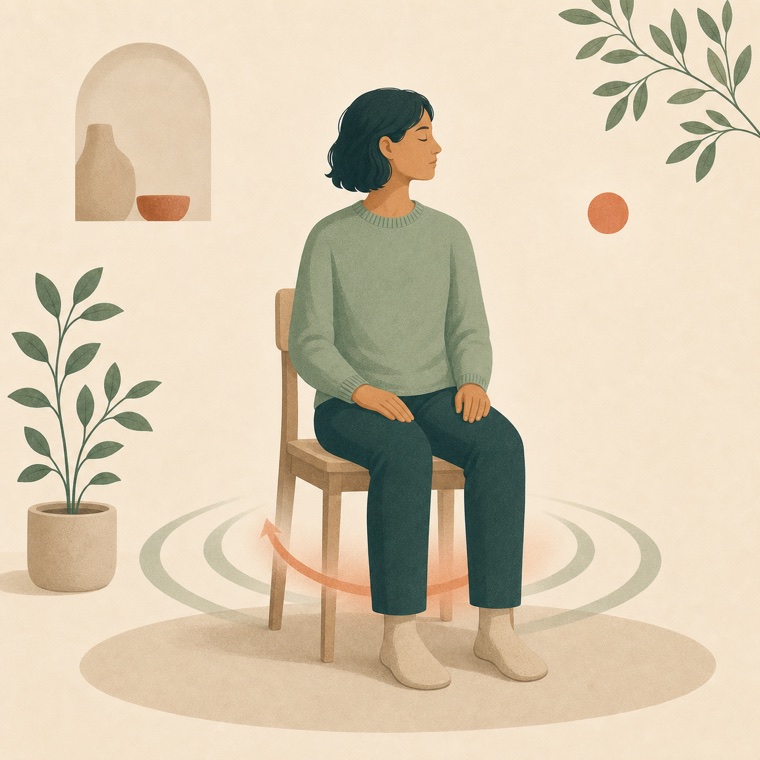
A seated figure with an abstract gentle lift and release cue

Pelvic floor

Follow a clear gentle-lift and full-release rhythm while breathing normally.

SMALL PAUSE PRO

Waits for a natural pause.
Never waits forever.

After your chosen active-work minimum, Smart Timing combines continuous use, recent input density, a short pause, app switching, and optional AI-thinking hooks. A five-minute cap provides the fallback.

See Pro details
01Choose the minimum

Set 20, 30, 45, 60, or 90 minutes of active work.

02Use local boundary signals

Short pauses, app switches, and enabled AI-thinking events can open the cue without reading your work.

03Turn Smart Timing off

Prefer the exact threshold? Disable Smart Timing and keep the regular active-time cadence.

PRIVATE BY DESIGN

Your work stays yours.

Smart Timing uses only coarse local activity signals. Optional on-device camera sensing processes low-rate frames in memory for presence, facing direction, and calibrated posture changes, then immediately discards them. No images or raw keypoints are saved or uploaded, and it cannot diagnose hydration, pain, or medical conditions.

Read our privacy promise
SIMPLE PRICING

Try one daily cue.
Upgrade when consistency matters.

FREE$0

One automatic cue each day
Fixed 30-minute active-work trigger
Five office wellbeing actions
Notification and pause controls

Download for Mac
1 Buy securely2 Copy the key from your receipt3 Activate inside Small Pause